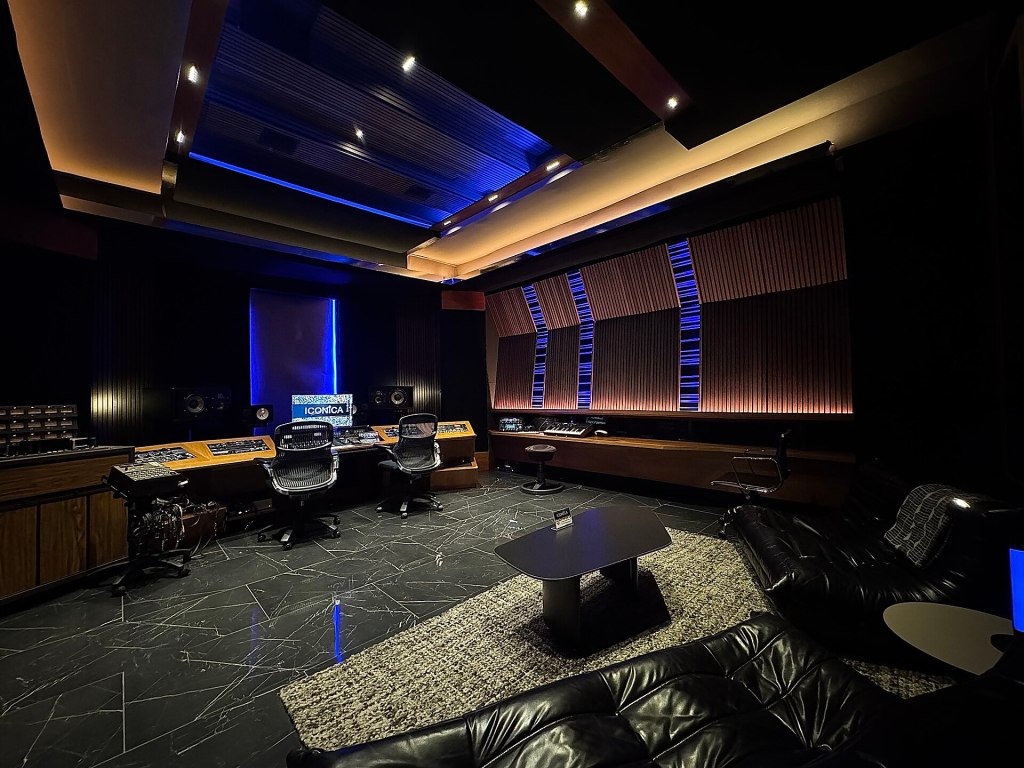
A recording studio, whether it’s a commercial facility, a school, a rehearsal-room project, or a home studio that takes on clients, needs software that is dependable, affordable to roll out across several rooms, and flexible enough to handle everything from a solo vocal take to a full band tracking session. Ubuntu Studio brings together the recording, mixing, and delivery tools a studio needs, with no per-seat licensing.
Tracking sessions
- Ardour is the center of the studio: unlimited audio and MIDI tracks, comping, punch in/out, flexible monitoring, automation, and mixing on a single timeline.
- Qtractor is a quick, lightweight alternative for MIDI-heavy tracking.
- Audacity is handy for quick edits, restoration, and file preparation between sessions.
- Ubuntu Studio Audio Configuration sets up your interface, sample rate, and buffer size from a simple menu. USB and class-compliant interfaces work out of the box; Focusrite Scarlett and Clarett (through Scarlett GUI) and FireWire devices (through FFADO) are supported, too.
- Real-time tuning is built in: a low-latency PipeWire/JACK configuration with real-time priorities, plus rtirq, so you can track at small buffer sizes without drop-outs.
Monitoring and routing
- Patchance, Helvum, and QjackCtl give you a visual patch bay for routing microphones, outboard gear, monitors, and cue mixes.
- JACK Mixer, Meterbridge, and Zita-Mu1 provide monitoring, metering, and stereo monitor control.
- ALSA Mixer tools (QasMixer, QasHctl) expose every hardware control, and Zita-ajbridge lets you combine extra interfaces for more inputs.
- MCPdisp supports control surfaces that use the Mackie Control Protocol.
- Ray Session saves every application, patch, and setting for a client’s session, so you can recall the whole project later.
Sound shaping
Ubuntu Studio’s audio plugin collection gives engineers a complete rack of processors for tracking and mixing:
- Compressors, limiters, gates, and expanders from LSP, x42, ZAM, and others.
- Equalizers such as EQ10Q, the FIL plugins, and LSP’s parametric EQ.
- Reverbs and spaces including Dragonfly Reverb and Zita-Rev1, and JConvolver for convolution reverb with your own impulse responses.
- Pitch and tuning tools such as Autotalent and Rubber Band.
- Instruments and drum replacements: DrumGizmo, Hydrogen, AVL Drums, Geonkick, and many synthesizers, pianos, and organs for adding to a mix.
- Carla hosts all of these plugins, and VST plugins as well, in a rack you can reuse across sessions.
Beyond the session
- Remote collaboration: JackTrip carries high-quality, low-latency audio over the Internet, so musicians in different places can perform together in real time.
- Sync to picture: xjadeo and Kdenlive support working to picture, from sound design to video editing, and FFmpeg and VLC handle nearly every format a client may send.
- Scoring and lead sheets: MuseScore is on hand when a client needs charts or a transcription.
- Delivery: Kid3 tags the finished files, cdrdao and K3b burn CDs and DVDs, and IDJC can stream or broadcast.
- Office tools: LibreOffice and Thunderbird come installed for session notes, invoices, and email.
Why studios choose Ubuntu Studio
- No per-seat cost. Equip every room, rehearsal space, and classroom with the same full software set.
- Reliable by design. Long-Term Support releases stay supported for three years, so a studio can avoid unplanned changes in the middle of a project.
- Same workflow everywhere. Install the Ubuntu Studio audio workflows on any Ubuntu desktop with the Ubuntu Studio Installer, and keep your studio machines consistent.
- Open formats and open source. Your clients’ sessions are never locked into a vendor’s format or subscription.
Get started
- Download Ubuntu Studio and install it on your studio computers.
- Use Ubuntu Studio Audio Configuration to select your interface.
- Open Ardour, create a session from a template, and arm your first track.
See also: Audio Engineers · Musicians · Video Production · Houses of Worship



.jpg)