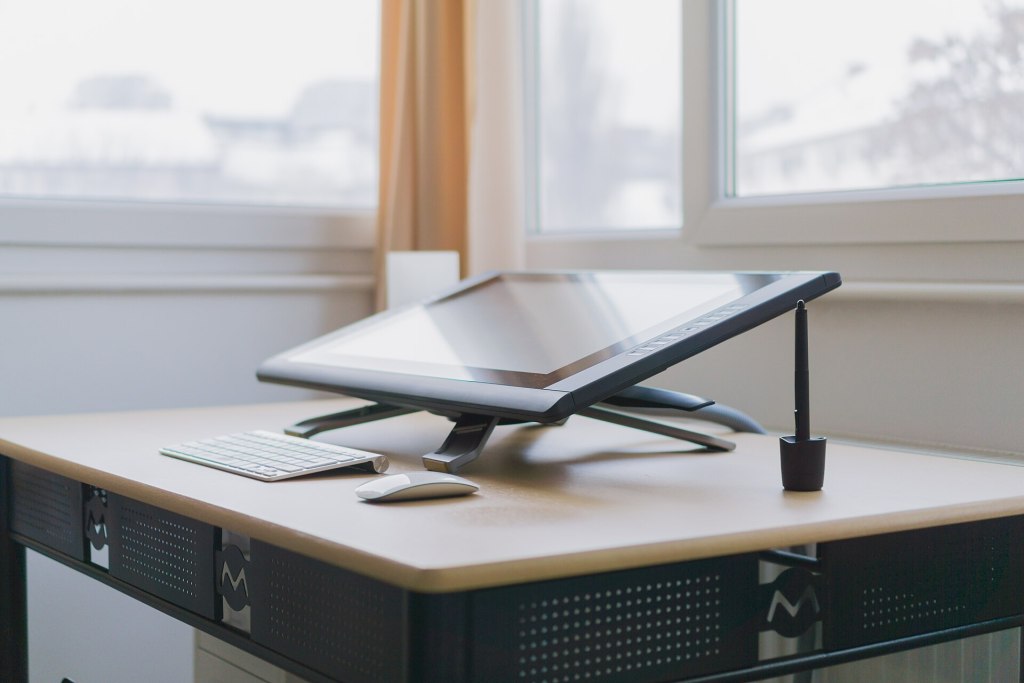
Illustrators, concept artists, designers, animators, comic creators, and 3D artists all have a home in Ubuntu Studio. The graphics workflow brings together professional-grade painting, photo editing, vector illustration, animation, and 3D tools, all of them free and open source, with a desktop that supports graphics tablets and pen displays and manages color properly.
Paint and draw
- Krita – a professional digital painting program with a huge brush engine, layers, animation, and a comic-friendly workflow.
- MyPaint – a fast and distraction-free painting app with natural brushes, ideal for sketching.
- GIMP – the long-standing image editor for retouching, compositing, and photo manipulation, with the extra brushes, patterns, and gradients from GIMP Data Extras.
- PikoPixel – a pixel-art editor for sprites, icons, and retro-style graphics.
Vector and layout art
- Inkscape – a powerful vector graphics editor for logos, icons, illustrations, diagrams, and print-ready artwork using the open SVG format.
- Open Clip Art library – thousands of ready-to-use public-domain vector images, installed locally.
- Create resources – shared palettes, patterns, and brushes for creative applications.
- KColorChooser – pick any color on screen, and build palettes to use across your projects.
Animate
- Synfig Studio – 2D vector animation with a timeline, tweening, and bones, for cartoons and motion graphics.
- Pencil2D – simple, fast hand-drawn 2D animation, great for frame-by-frame work.
- Krita – also supports frame-by-frame animation inside your painting workflow.
- Kdenlive – assemble your animation, music, and sound into a finished video.
Model, render, and create in 3D
- Blender – a complete 3D creation suite, covering modeling, sculpting, rigging, animation, simulation, rendering, compositing, and video editing, all in one application.
Scan, capture, and finish
- Skanpage – scan sketches, line art, and reference material straight into your work.
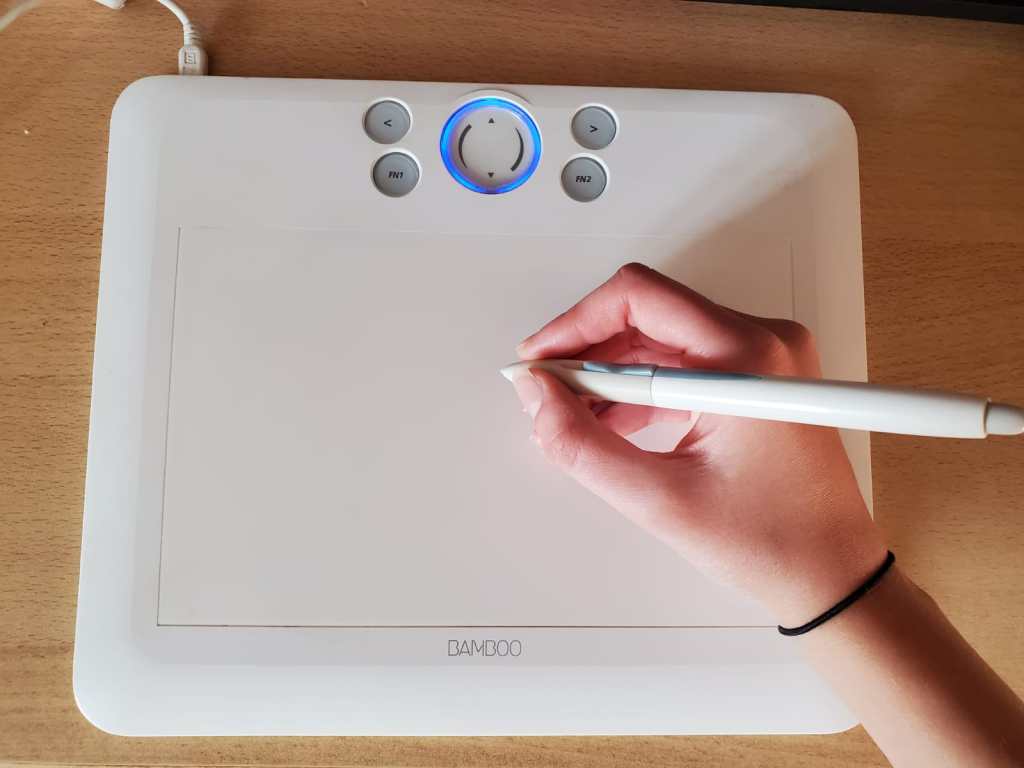
- Graphics tablet support – pens and tablets from Wacom and other makers work through the Linux input stack, including pressure sensitivity and tilt.
- Color management – Plasma’s color tools (including colord) support calibrated displays and ICC profiles, so your work looks the same everywhere.
- Fonts – Ubuntu Studio’s fonts collection is available for type work; see Publishers for more.
- Print-ready export – Inkscape, GIMP, and Krita export to the PDF, SVG, PNG, TIFF, and other formats printers and clients need. Add Scribus from the publishing workflow when you need full page layout.
Why artists choose Ubuntu Studio
- No subscriptions. Own your tools, share them, teach with them, and use them commercially, at no cost.
- Pick a desktop that fits you. Ubuntu Studio includes three desktop layouts, so you can start from a layout that feels like home.
- Open formats. Your artwork is stored in formats you can open in other tools, now and in the future.
- Community. Krita, Blender, Inkscape, and GIMP each have large, friendly communities and a wealth of free tutorials.
Get started
- 1. Download Ubuntu Studio, or add the graphics workflow to an existing Ubuntu system using the Ubuntu Studio Installer.
- 2. Plug in your tablet and open Krita, then create a new canvas.
- 3. Explore Inkscape, Blender, and Synfig Studio when you’re ready to branch out.
See also: Photographers · Publishers · Video Production


.jpg)
