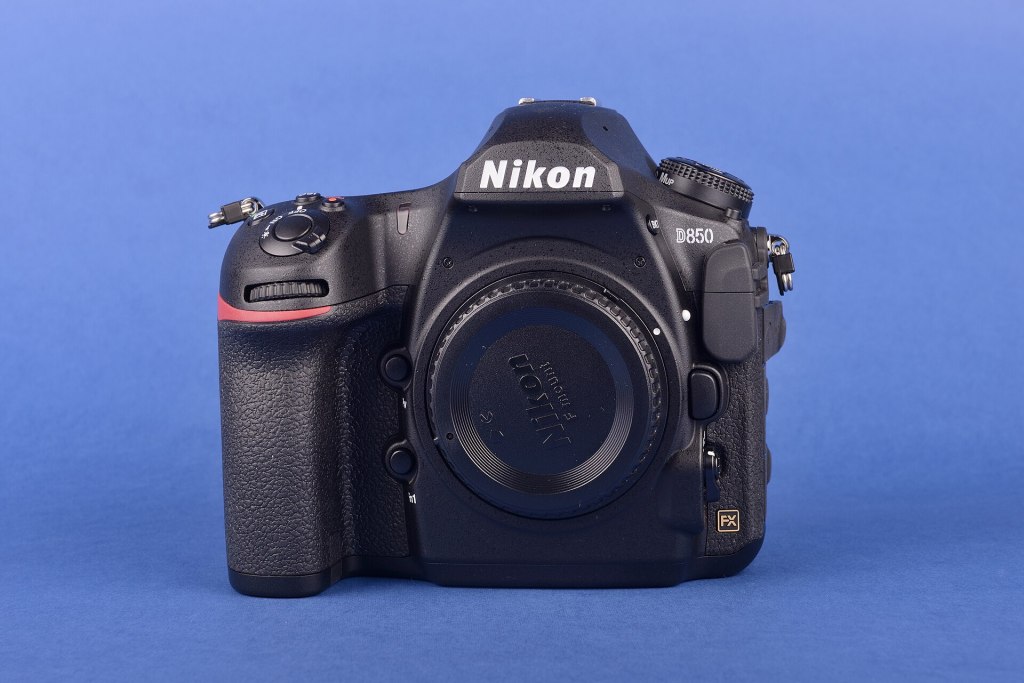
From the moment the shutter closes to the final print, Ubuntu Studio includes the tools for a complete photographic workflow: transferring images, organizing a growing library, developing RAW files, retouching, stitching panoramas, and calibrating your monitor so that what you see is what you print.
Capture and import
- Entangle – tethered shooting: control a supported camera from the computer and see each shot full-size as soon as it’s taken. It’s ideal for studio, product, and portrait work.
- Rapid Photo Downloader – import photos and videos from cameras, memory cards, and phones, with fast copying, automatic renaming, backups to a second drive, and organization by date or job.
- PicPlanner – plan your shoots around the position of the sun and moon and the time of day.
Organize
- digiKam – a professional photo manager for large libraries, with tagging, ratings, color labels, face recognition, geolocation, metadata editing, searching, and export. It also offers basic editing tools and batch processing.
Develop RAW files
- darktable – a non-destructive RAW developer and photography workflow application, with a lighttable for managing and culling photos and a darkroom for developing them. It supports masking, tone and color tools, lens corrections, and tethered capture.
- ICC profiles – Ubuntu Studio includes free ICC color profiles for common devices and working spaces.
Retouch and composite
- GIMP – layers, masks, selections, and powerful retouching tools for finishing touches, composites, and print preparation, with extra brushes and patterns from GIMP Data Extras.
- Hugin – stitch overlapping photographs into seamless panoramas, correct lens distortion, and blend exposures.
- PhotoCollage – design collage posters from your favorite pictures.
Color management you can trust
- ArgyllCMS and DisplayCAL – calibrate and profile your monitor with a colorimeter or spectrophotometer, and make ICC profiles for accurate, consistent color from screen to print.
- colord – Plasma integrates the system color manager so applications can use your display profile.
Show and share your work
- VLC, Kdenlive, and OBS Studio – turn photos into slideshows and videos, or stream your own tutorials and portfolio presentations.
- Inkscape and Scribus – design logos, watermarks, photo books, and printed portfolios. Scribus comes from the Ubuntu Studio publishing workflow.
- Skanpage – scan prints and film for digitizing.
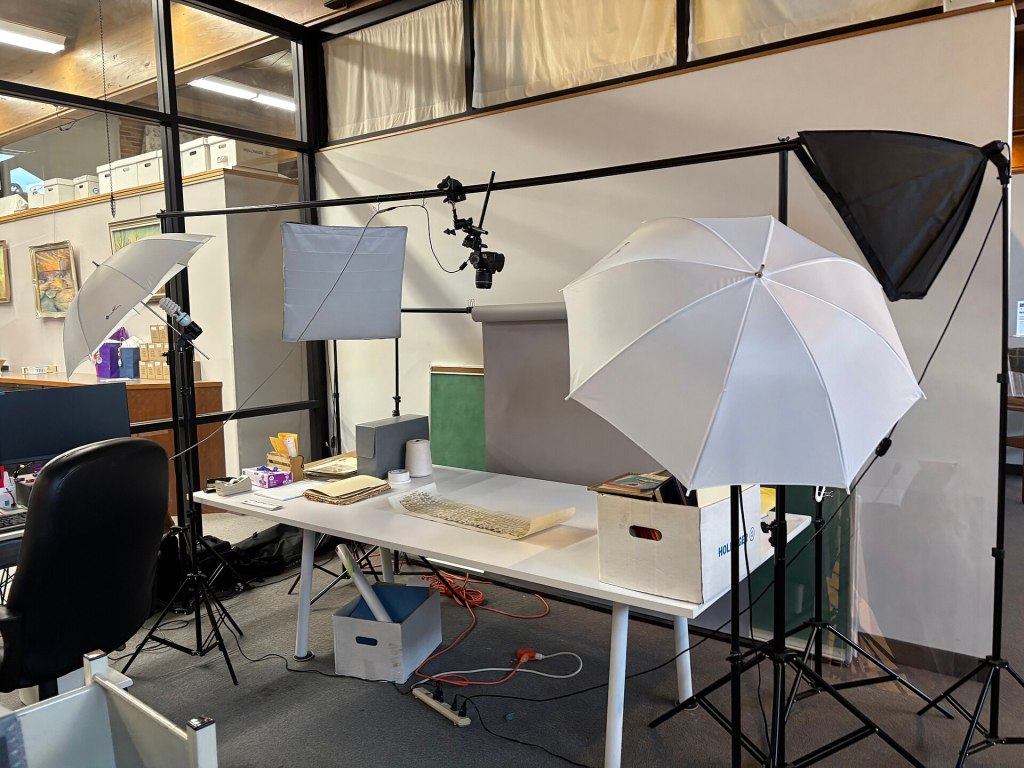
Why photographers choose Ubuntu Studio
- A complete workflow with no subscription. Import, organize, develop, retouch, and print, with no cloud service required and no recurring cost.
- Your library stays yours. darktable and digiKam use open formats and standard metadata (XMP, EXIF, IPTC), so your edits and catalogs are never locked in.
- Performance. Ubuntu Studio is lean and tuned for creative work, leaving more of your machine’s power for large RAW files and big libraries.
- A desktop you can set up your way. Choose from three desktop layouts to start with.
Get started
- Download Ubuntu Studio, or add the photography workflow to an existing Ubuntu system with the Ubuntu Studio Installer.
- Import your photos with Rapid Photo Downloader.
- Browse them in digiKam or darktable, and start developing.
See also: Graphic Artists · Publishers